5. 如何向 UPS 安排臨時取件

安排取件並訂閱警示與提醒,讓您隨時掌握進度。

<style>.link-row{display:flex;justify-content:space-between;align-items:center;padding:16px 20px;margin:20px 0;background-color:#f9f9f9;border-radius:8px}.link-row a{position:relative;text-decoration:none;color:#0662bb;font-weight:500;padding:0 15px}.link-left::before,.link-right::after{font-size:30px;line-height:1;position:absolute;top:50%;transform:translateY(-55%);transition:transform 0.25s ease}.link-left::before{content:"‹";left:0}.link-right::after{content:"›";right:0}.link-left:hover::before{transform:translate(-4px,-55%)}.link-right:hover::after{transform:translate(4px,-55%)}.link-row a:hover{text-decoration:underline}</style>
<div class="link-row"><a data-path="/healthcare/learning-center/guides/pickup-point-home" class="link-left">首頁</a></div>
    <script>!function(){try{const t=window.location.pathname.split("/").filter(Boolean),e=t.length>=2?t[0]+"/"+t[1]:"us/en";document.querySelectorAll("[data-path]").forEach(t=>{const o=t.getAttribute("data-path");t.href=`https://www.ups.com/${e}${o}`})}catch(t){console.error("Locale script failed:",t)}}();</script>

第 1 步:在線上安排取件

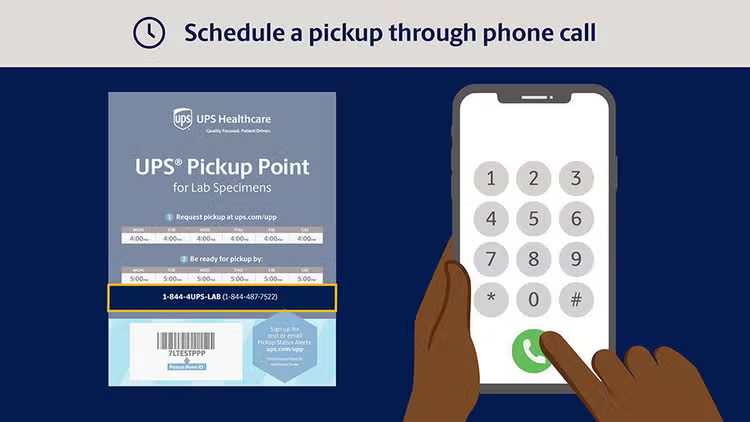
替代方案:透過網路或電話安排時間

偏好更個人化的服務?

取件點 placard 上找到的撥號人電話號碼圖示

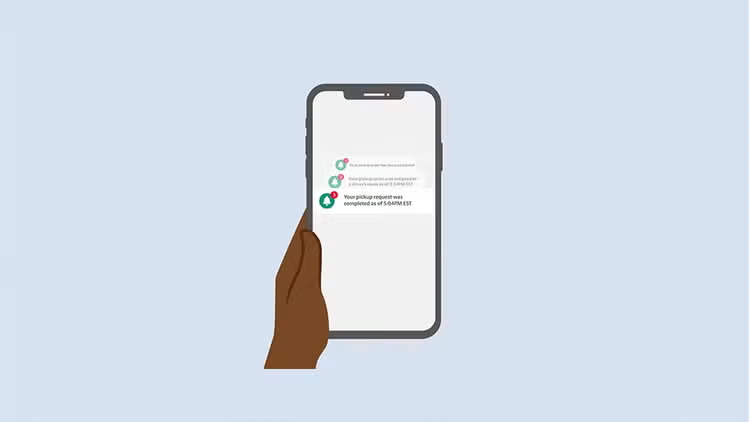
第 2 步: 註冊取件狀態通知

若要隨時掌握您的取件資訊:

手機接收電子郵件通知的圖示

第 3 步: 訂閱取件提醒

提醒您絕不錯過取件!在排定取件時間前 30 分鐘收到電子郵件,並在當天最後一次可用取件前 30 分鐘收到電子郵件。
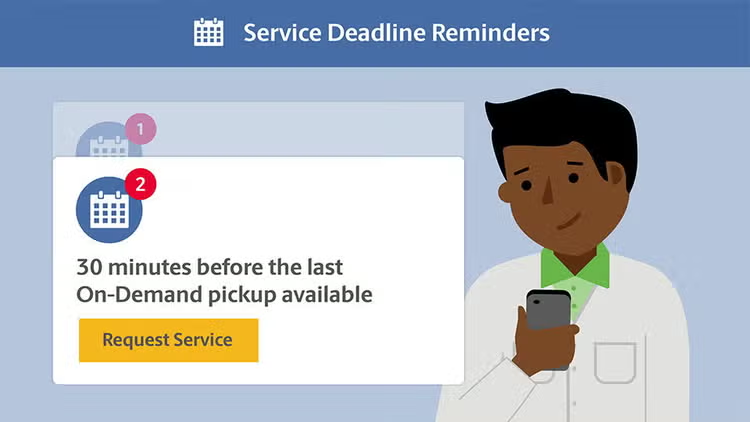
提醒通知圖片旁邊一個人拿著手機的圖示

更多資源

太棒了! 依照這些步驟,您可以簡化您的 UPS 臨時取件程序,並確保取件順暢及時。註冊以接收通知和提醒,讓您的營運順暢無負擔。

感謝您選擇 UPS 來達成您的取件需求。我們隨時準備協助您有效且準時地運送包裹。