2. 如何确认您的 UPS® Pickup Point(取件点)标牌

确保您的临时 UPS® Pickup Point 标牌正确张贴并完成确认,以保证样本提取顺利进行。

<style>.link-row{display:flex;justify-content:space-between;align-items:center;padding:16px 20px;margin:20px 0;background-color:#f9f9f9;border-radius:8px}.link-row a{position:relative;text-decoration:none;color:#0662bb;font-weight:500;padding:0 15px}.link-left::before,.link-right::after{font-size:30px;line-height:1;position:absolute;top:50%;transform:translateY(-55%);transition:transform 0.25s ease}.link-left::before{content:"‹";left:0}.link-right::after{content:"›";right:0}.link-left:hover::before{transform:translate(-4px,-55%)}.link-right:hover::after{transform:translate(4px,-55%)}.link-row a:hover{text-decoration:underline}</style>
<div class="link-row"><a data-path="/healthcare/learning-center/guides/pickup-point-home" class="link-left">主页</a><a data-path="/healthcare/learning-center/guides/create-pickup-point-dashboard" class="link-right">3。设置您的操作界面</a></div>
<script>!function(){try{const t=window.location.pathname.split("/").filter(Boolean),e=t.length>=2?t[0]+"/"+t[1]:"us/en";document.querySelectorAll("[data-path]").forEach(t=>{const o=t.getAttribute("data-path");t.href=`https://www.ups.com/${e}${o}`})}catch(t){console.error("Locale script failed:",t)}}();</script>

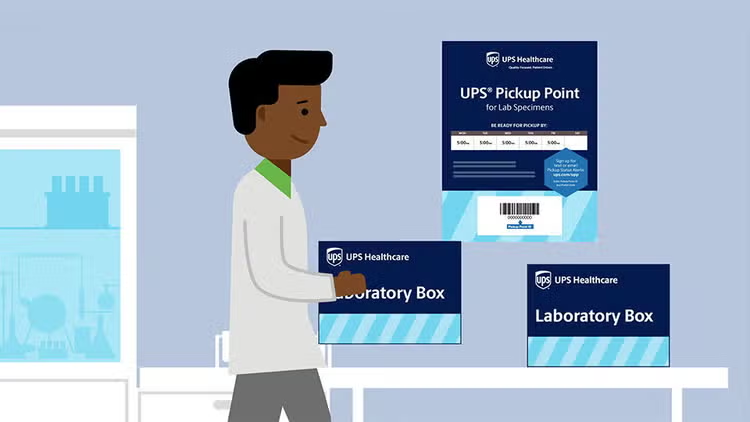
第一部:访问确认邮件并打印标牌

插图:员工在提着实验室样本盒行走

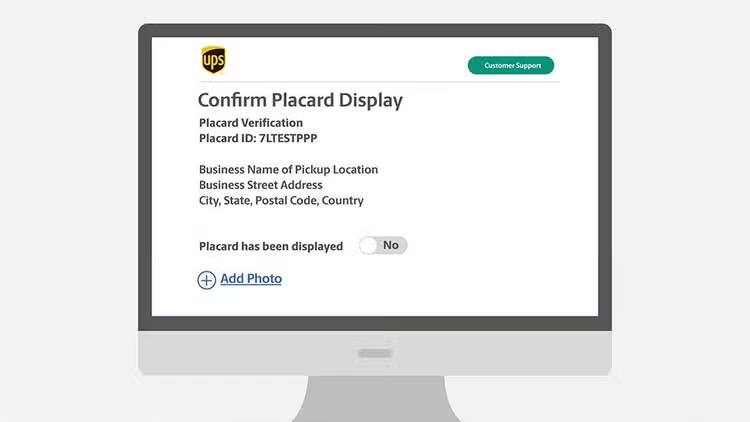
第 2 步:提交确认

插图:电脑桌面上的标牌确认网页。

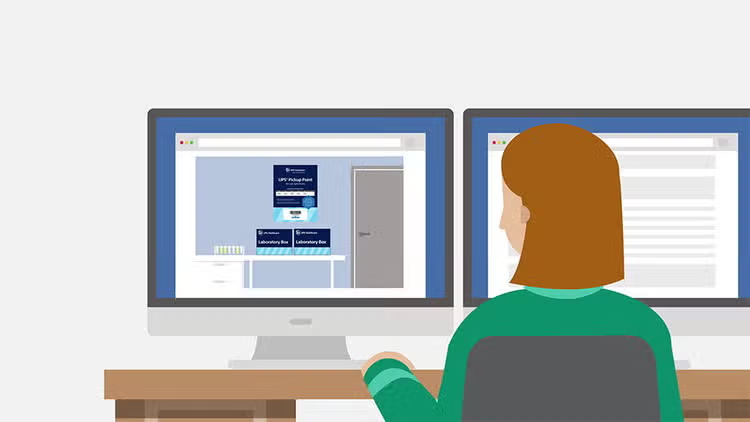
第 3 步:上传照片确认

计算机上客户的图示

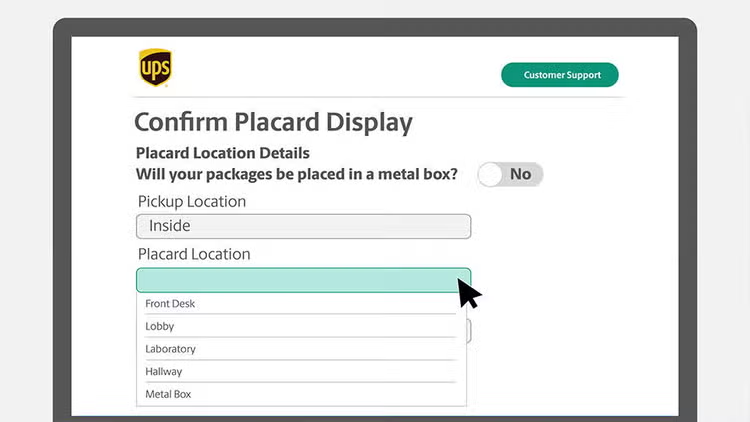
第 4 步:提供额外详情

插图:电脑桌面上的标牌展示确认网页

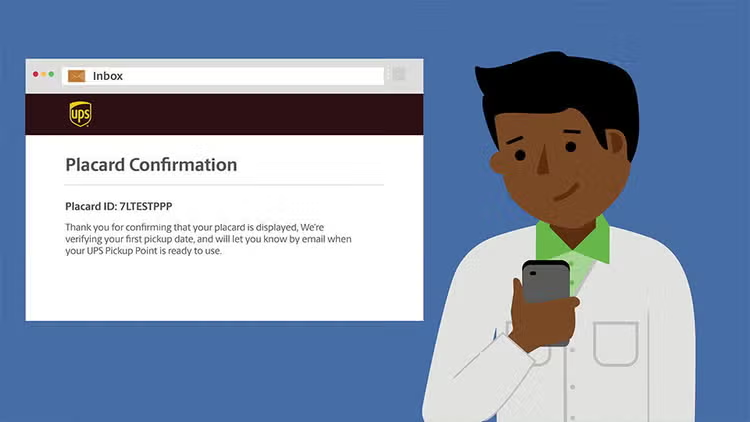
第 5 步:提交并等待确认

插图:客户在手机上收到的标牌确认信息。

更多资源:

干得漂亮! 您已确认 UPS Pickup Point(取件点)标牌的展示,可实现高效的样本提取。

img-left

https://delivery-p55671-e392469.adobeaemcloud.com/adobe/assets/urn:aaid:aem:8b41932c-09a9-4bb7-b8d1-d5a5e6b47501/as/960x540-website-aae-module-2025-final.avif?assetname=960x540-website-aae-module-2025-final.jpg

准备好提升您的实验室效率了吗?

请咨询专家或联系您的客户经理,了解 UPS Pickup Point(取件点)及相关项目

联系专家