3. How to Set Up Your UPS® Pickup Point Dashboard
Navigate the UPS® Pickup Point dashboard to manage placards linked to your client key efficiently.
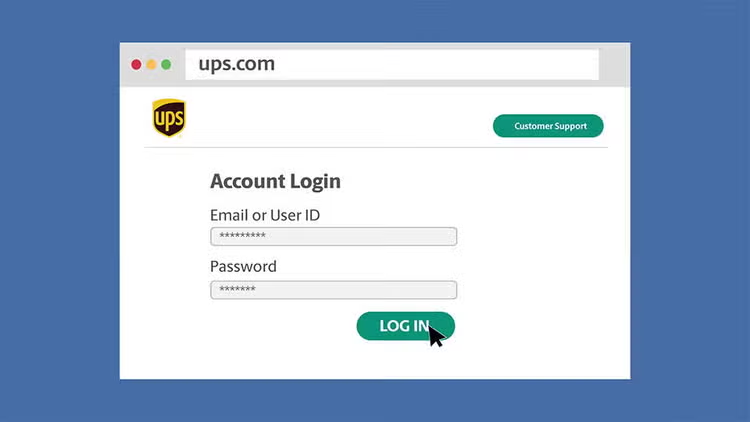
Step 1: Log into Your UPS Account
- Start by logging into your account at UPS.com.
- Once logged in, enter UPS.com/upplm/dashboard in the address bar.
- Contact your UPS account manager if you need access setup.
Step 2: Understand Dashboard Overview
(If you're presented with only a search bar, contact your lab's Quantum View administrator or your UPS account manager for access setup.)
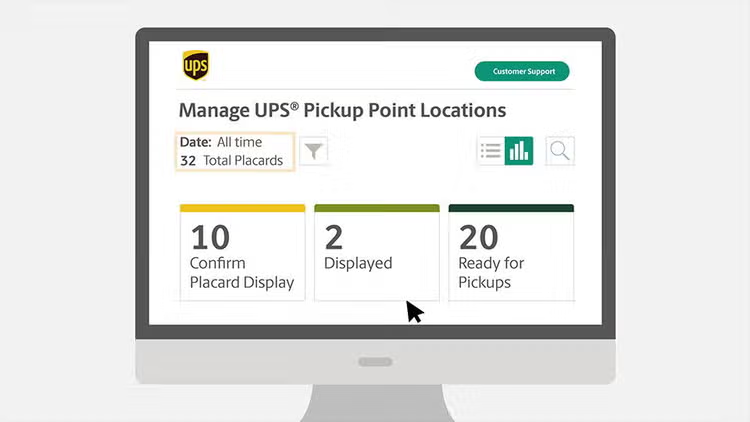
Upon successful login, you'll see a summary of all the placards linked to your client keys:
- This summary helps identify each pickup's location status during onboarding.
- You can adjust the display timeframe using the filter icon for dates beyond 30 days.
Step 3: Navigating the Dashboard Tiles
You will find three primary tiles on the dashboard:
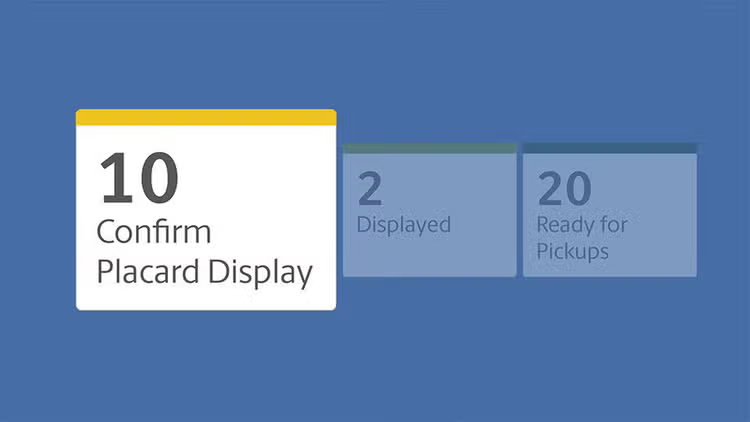
- Confirm Placard Display: shows placards needing confirmation. Access this to assist your collection sites requiring help with confirmation.
- Displayed Tile: shows confirmed placards, waiting for their initial pickup date. Generally, these become active the Monday following the listed dates.
- Ready for Pickups: lists active pickup locations. Select the link for detailed information on these sites.
Step 4: Explore Placard Details
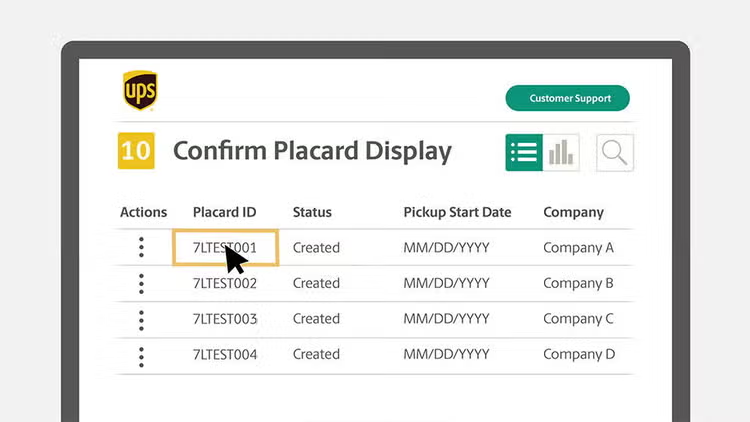
- Click on the “List View” to see detailed information for all placards.
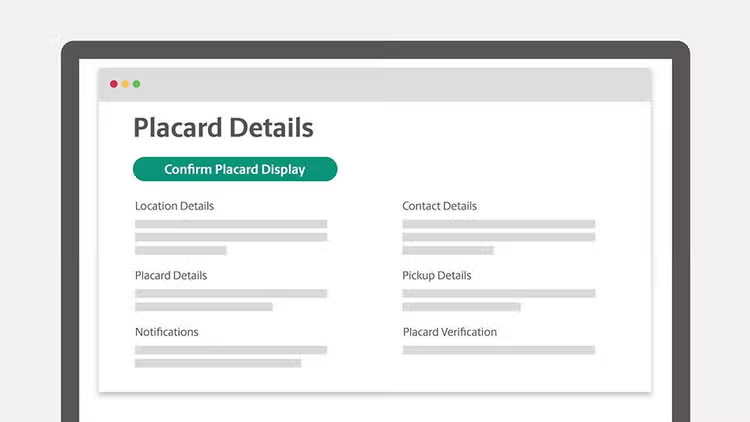
- Click “Placard ID” to view individual details and complete confirmation if needed.
Step 5: Managing Placard Confirmation
- Click “Confirm Placard Display” to view placards awaiting confirmation.
- Use the “Actions” drop-down to save and email placards as needed.
- Complete confirmations via the “Placard ID” link.
Step 6: Update Placard Information
- For updates or changes, please reach out to the contact on the placard, with the relevant placard ID.
More Resources
Great Work! Now that you've mastered the UPS Pickup Point Dashboard, managing your customer onboarding process will be more efficient than ever.