Simplified UPS.com Shipping
Create labels, import orders and build shipments faster using reusable templates and connected sales channels — all in one tailored, streamlined experience.
What’s New
The new UPS.com shipping experience is designed to help you complete shipments with more accuracy and fewer steps.
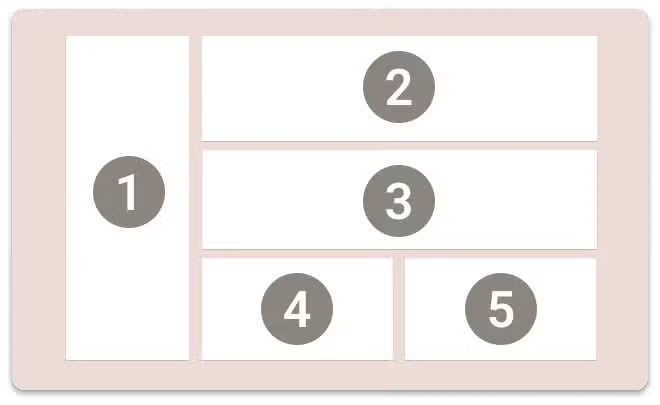
A More Efficient Way to Ship
Everyday shipping tasks in one consolidated layout — fewer clicks from order to label.
Connect Your Sales Channels
Centralize orders from your e-commerce channels and flow them directly into label creation.
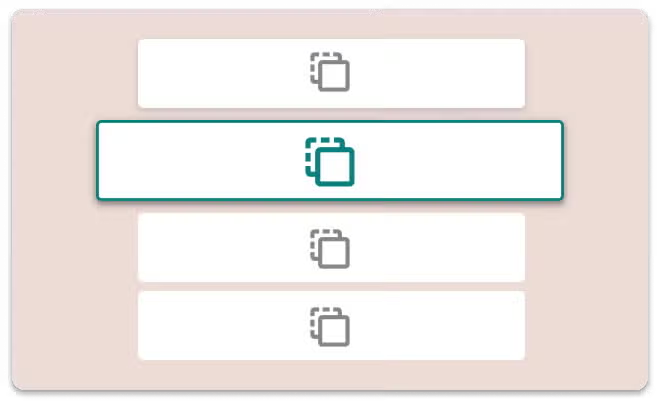
Save Time With Shipping Templates
Start a shipment with details already set by pre-filling packaging, service levels and dimensions.
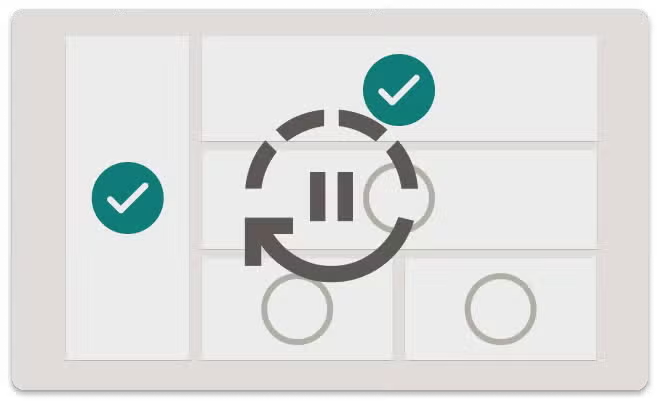
Save Your Progress to Complete Later
Start a shipment or quote, save it and finish it later without re-entering details.
FAQ
Do I need to create a new account?
No. Your existing UPS.com account and credentials continue to work. Simply sign in as you normally would to access the new experience.
What happened to my saved information?
Your account information remains with you in the new experience. You can also take advantage of new tools designed to save time on future shipments. Use shipping templates to prefill your most-used details such as packaging, service levels and dimensions, and rely on Saved for Later to automatically save shipments you've started so you can return and finish anytime.
Can I still connect my online store?
Yes. You can connect leading sales channels like Shopify and WooCommerce directly to your UPS.com shipping experience. Once connected, order information flows directly into label creation — reducing manual entry, helping prevent keying errors and enabling faster processing of multiple orders. Additional sales channels are planned for the future.
Can I create multiple labels at once?
Yes. You can create single- or multi-piece shipments in just a few clicks from a single-screen view. For businesses connecting their sales channels, orders can flow directly into label creation for faster processing of multiple orders at a time.