UPS Collections

https://delivery-p55671-e392469.adobeaemcloud.com/adobe/assets/urn:aaid:aem:b7b73d1f-da9f-49b9-9cdc-90c1ef051477/as/porch-delivery-bc189939-q326.avif?assetname=porch-delivery-bc189939-q326.jpeg

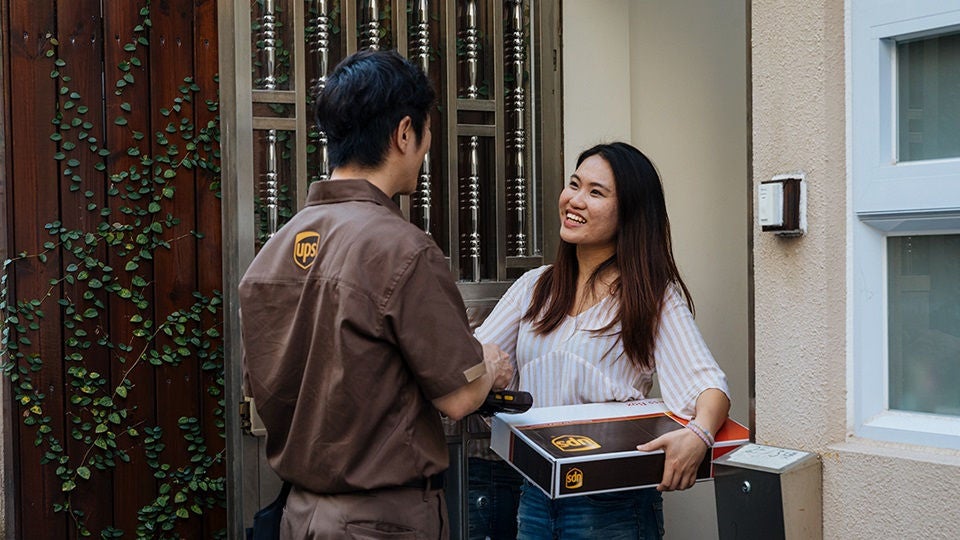
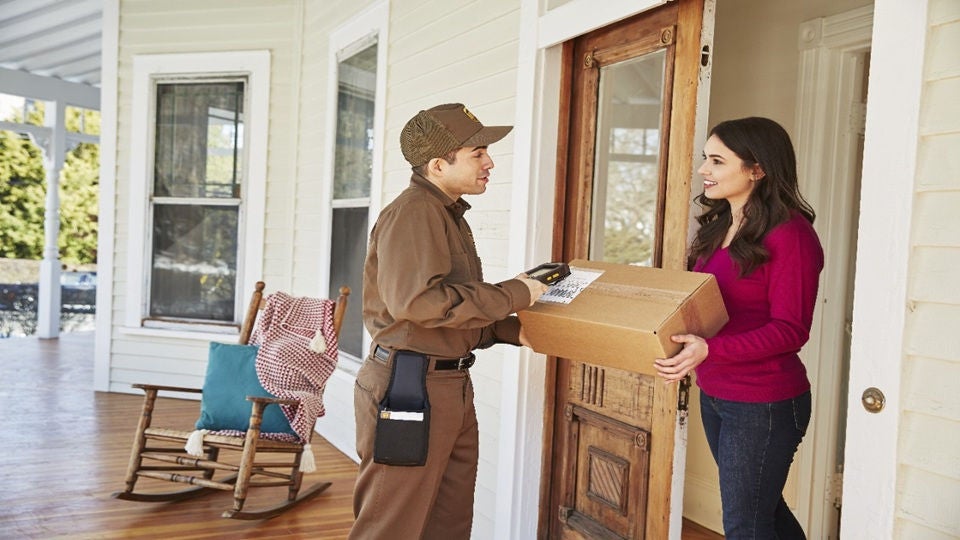
Gain greater visibility and control over your collections all in one place, with real-time updates and notifications that keep you informed every step of the way.

Manage Your Collections

Start a One-Time Collection

Prefer to drop if off? Find a UPS drop-off location.

Choosing the Right Recurring Collection Method

Set up a UPS Smart Pickup® for the most convenient option where we only arrive when you need us, while other recurring collections are best if you prefer a fixed, set schedule.


img-left

https://delivery-p55671-e392469.adobeaemcloud.com/adobe/assets/urn:aaid:aem:90ed2f27-1340-4996-ba33-6347dee7c0d0/as/pickup-dropoff-packages-B-1166486-Q421.avif?assetname=pickup-dropoff-packages-B-1166486-Q421.jpg

Smart Pickup®

Easily confirm your collection each day when you have parcels ready for us. This eco-friendly option is perfect for frequent shippers with changing daily needs.

Learn About Smart Pickup®

secondary

How to Enrol in a Recurring UPS Collection

Use your UPS account to get started. If you don't have an account, sign up here.

false
Log In to Get Started
*Changes to your collection settings may take up to 3 business days to be applied.
  • Step 1: Log In to Your Account

Once in the “Manage Collections” dashboard, ensure the correct account is selected. Click on “Collection Settings”.

  • Step 2: Select Collection Options

Under "Collection Options", select your preferred collection schedule.

  • Step 3: Add Collection Details

Fill out your preferred collection times and driver instructions, if applicable. Click “Save”.*